How to Cancel LinkedIn Premium on Any Device (2026 Steps)
To cancel LinkedIn Premium, click the Me icon, then Premium features, then Manage subscription, and confirm the cancellation, per LinkedIn’s help center. The whole path takes under a minute on desktop. The catch is that the right steps depend on where you bought the plan, and the timing decides whether you get billed again.
This guide covers every purchase channel, the refund rules, and what actually changes the day after.
How do you cancel LinkedIn Premium on desktop?
On the desktop site: click the Me icon at the top of your LinkedIn homepage, select Premium features from the dropdown, then click Manage subscription, per LinkedIn’s official help page. From there you confirm the cancellation inside the Admin Center.
The numbered version:
- Click the Me icon at the top of your LinkedIn homepage.
- Select Premium features from the dropdown.
- Click Manage subscription to open the Admin Center.
- Choose Cancel subscription and follow the confirmation prompts.
One rule to know before you start: if you subscribed directly through LinkedIn, you can only cancel from the desktop site or the Android app, per LinkedIn’s help center. The iOS app does not carry the option for those subscriptions.
How do you cancel on Android and Google Play?
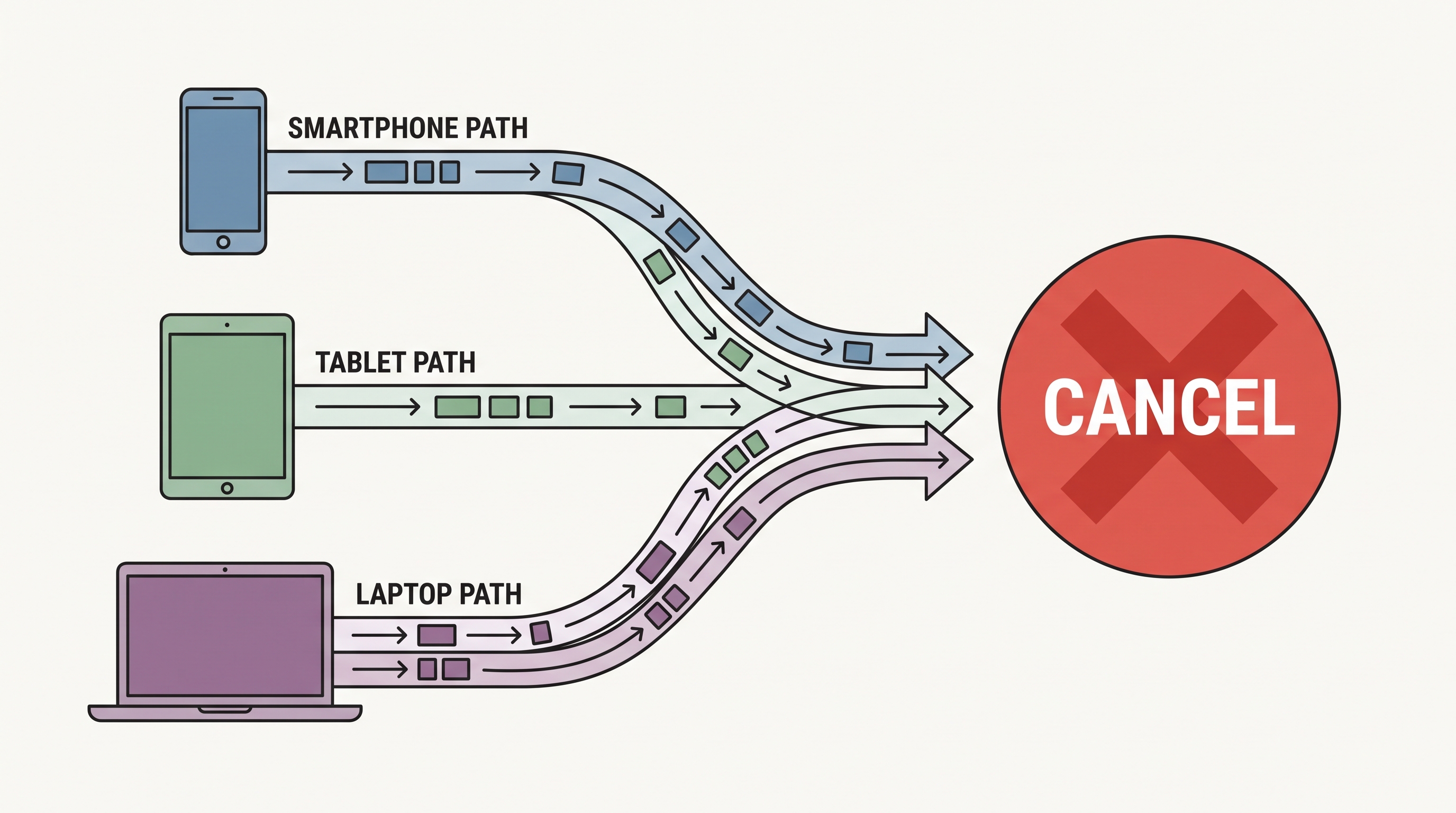
The Android app mirrors the desktop path: tap your profile photo, open Premium features, then Manage your subscription, and cancel from there. If you subscribed through Google Play instead, you have more exits than any other channel.
Google Play purchases can be cancelled from four surfaces, per LinkedIn’s help center: the LinkedIn desktop site, the LinkedIn mobile app, Google Play on desktop, or the Google Play mobile app. Whichever surface you use, the subscription is the same object; cancelling once is enough.
A concrete example of why the channel matters: if you tap Cancel inside the LinkedIn app but the plan was billed by Google Play, the confirmation still routes through your Play subscription, and the receipt lands in your Google account, not your LinkedIn email. Check Google Play’s Subscriptions screen afterward to confirm the state actually flipped to cancelled.
How do you cancel on iPhone?
If you bought Premium through the Apple App Store, cancel it from your iPhone settings, not from LinkedIn: go to Settings, tap your name, then Subscriptions, then LinkedIn, then Cancel Subscription, as Typefully’s walkthrough documents. LinkedIn cannot touch an Apple-billed subscription.
There is one genuine trap on iOS. If you purchased Premium on iOS through the mobile web, LinkedIn processes the payment, and cancellation must be done on desktop, per LinkedIn’s help center. So an iPhone user can hold either of two subscription types, and each cancels in a different place.
The quick test: check whether the charge on your statement comes from Apple or from LinkedIn. Apple charge means iPhone Settings; LinkedIn charge means the desktop path above.
This split also decides where your billing history lives. Apple-billed subscribers see their renewals in the App Store receipt trail and manage everything through Apple’s subscription screen, while LinkedIn-billed subscribers find invoices in the LinkedIn Admin Center, per LinkedIn’s help center. Knowing which trail is yours saves a support ticket later.
When should you cancel so you are not charged again?
At least one day before your next scheduled billing date, per LinkedIn’s help center. Cancel on the billing day itself and the renewal can still go through.
The good news about cancelling early: a cancelled paid subscription stays active until the end of the current billing cycle, per the same page. You lose nothing by cancelling the day after you decide, and you keep Premium access for the days you already paid for.
Free trials behave differently. Cancelling a trial ends Premium access immediately rather than running out the month, per LinkedIn’s help center, and it locks you out of another free trial for at least 12 months. A Reddit thread on r/jobsearchhacks adds a practical warning: some plans now bill a full year at once, so a missed cancel date can cost twelve months, not one.
Can you get a refund after cancelling?
Usually not. LinkedIn typically does not offer refunds for partial billing periods, per Typefully’s guide, which is why the cancel-early rule matters: the subscription runs to the end of what you paid, and the meter stops there.
Where you bought the plan decides who you argue with:
- Bought from LinkedIn: refund requests go through LinkedIn support, with partial refunds unlikely.
- Bought through Apple: LinkedIn cannot provide billing support for iTunes purchases, so refunds and payment issues go to Apple, per LinkedIn’s help center.
- Bought through Google Play: refund policy follows Google Play’s subscription rules.
In Germany and the United States there is one extra door: LinkedIn’s help center notes you can cancel some subscriptions without logging in, via a cancellation form. Useful if you are locked out of an account that keeps charging you.
What do you lose and what do you keep after cancelling?
You keep your account. After cancelling you return to a Basic (free) account and retain your profile, connections, and other data, per LinkedIn’s help center. Nothing about your history or network disappears with the plan.
What goes away is the paid layer:
- InMail credits vanish, including accumulated ones; LinkedIn states they cannot be credited back.
- Who-viewed-your-profile data drops back to the free teaser view.
- LinkedIn Learning access ends with the subscription.
If the price rather than the product is the problem, downgrading to a cheaper plan is the official alternative to cancelling, available on desktop only, per LinkedIn’s help center. The full price ladder is in our guide to how much LinkedIn Premium costs, and the entry plan’s features are covered in our Premium Career breakdown.
Does your inbox get cleaner after cancelling?
No, and this is the part no cancel guide mentions. Noise was never a Premium feature, so removing Premium does not remove it. A free account still receives unlimited InMail and every cold pitch aimed at you; the only messaging feature you lose is the sender side, your own InMail credits.
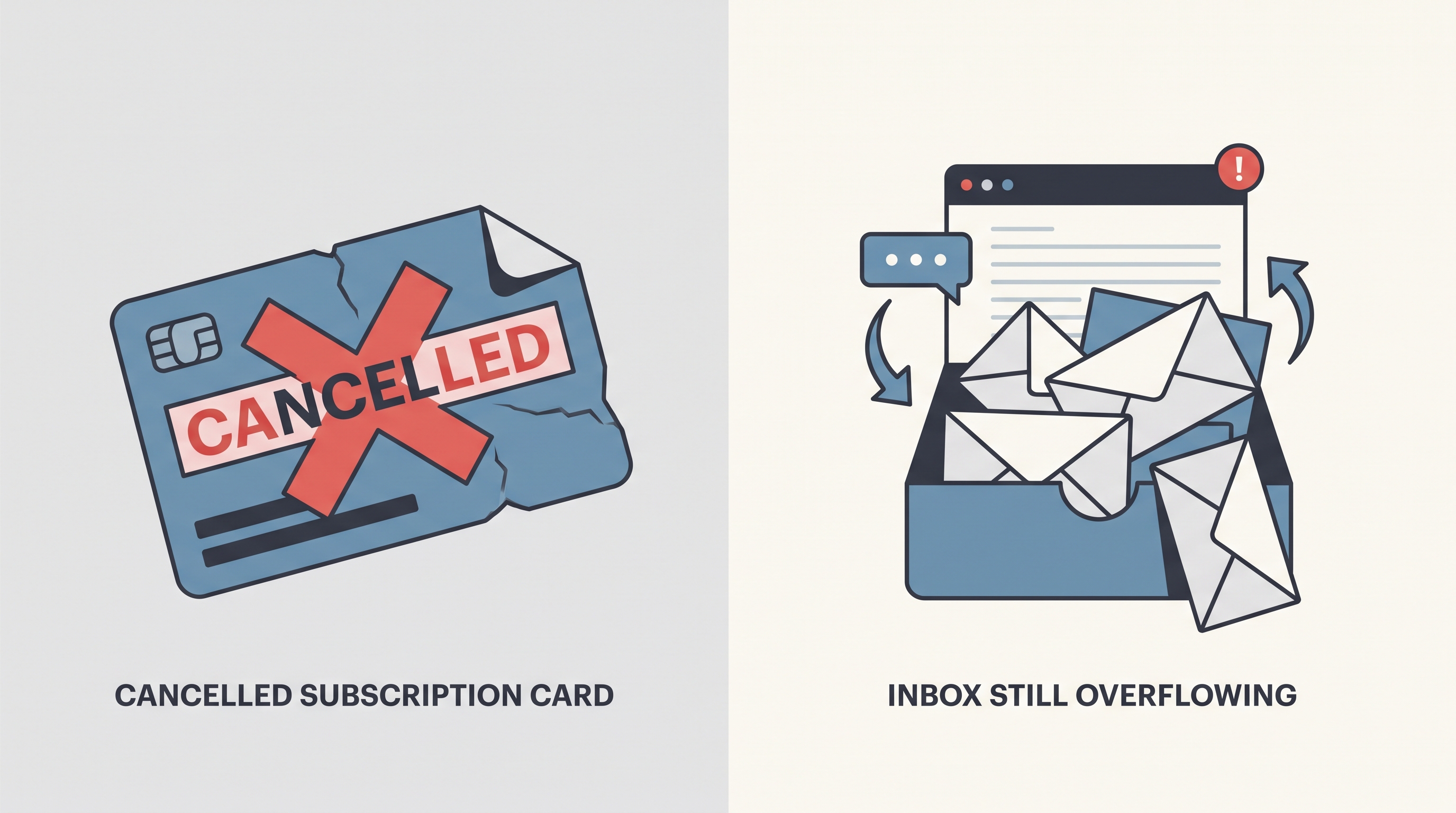
LinkedIn has no spam filter on any tier, free or paid, which is why the inbox problem survives every billing decision. We break down what the native settings can and cannot block in our guide to stopping LinkedIn spam.
That is the receiver-side gap Linbox fills. It filters cold pitches and recruiter blasts out of your primary view automatically, moves them aside without deleting anything, and brings a sender back the moment you reply. Cancel Premium or keep it: the clean inbox is a separate subscription, and a cheaper one.
Frequently asked questions
Can I cancel LinkedIn Premium from the iPhone app?
Only if you bought it through the Apple App Store; then it lives in Settings, under your name, then Subscriptions, per Typefully’s walkthrough. Direct-from-LinkedIn subscriptions can only be cancelled on the desktop site or the Android app, per LinkedIn’s help center.
Do I keep Premium until the end of the month after cancelling?
Yes, for paid plans: a cancelled subscription remains active until the end of the current billing cycle, per LinkedIn’s help center. Free trials are the exception: cancelling ends access immediately.
Will LinkedIn refund me if I forget to cancel?
Unlikely. LinkedIn typically does not refund partial billing periods, per Typefully’s guide. Apple-billed purchases have to take refund requests to Apple instead, per LinkedIn’s help center.
Can I get another free trial after cancelling one?
Not soon. Cancelling a free Premium trial makes you ineligible for another free trial for at least 12 months, per LinkedIn’s help center.
Frequently asked questions
- Can I cancel LinkedIn Premium from the iPhone app?
- Only if you bought it through the Apple App Store; then it lives in Settings, under your name, then Subscriptions, per Typefully's walkthrough. Direct-from-LinkedIn subscriptions can only be cancelled on the desktop site or the Android app, per LinkedIn's help center.
- Do I keep Premium until the end of the month after cancelling?
- Yes, for paid plans: a cancelled subscription remains active until the end of the current billing cycle, per LinkedIn's help center. Free trials are the exception: cancelling ends access immediately.
- Will LinkedIn refund me if I forget to cancel?
- Unlikely. LinkedIn typically does not refund partial billing periods, per Typefully's guide. Apple-billed purchases have to take refund requests to Apple instead, per LinkedIn's help center.
- Can I get another free trial after cancelling one?
- Not soon. Cancelling a free Premium trial makes you ineligible for another free trial for at least 12 months, per LinkedIn's help center.