LinkedIn Premium Free Trial: How to Get Your Free Month
Yes, LinkedIn Premium has a free trial: eligible users get one month free, per LinkedIn’s help center, with a credit card required up front and an automatic charge the day the month ends. This guide covers how to start it, who qualifies, how to leave without paying, and the one thing the trial never changes.
Does LinkedIn Premium have a free trial?
It does. LinkedIn’s help center states that Premium subscriptions “may be available to try free for one month,” and that eligible users can try Premium for free. The wording is deliberate: the trial is an offer LinkedIn extends, not a right every account holds.
Two conditions shape the whole experience, both from LinkedIn’s trial terms:
- A credit card is required to start the free trial.
- The subscription starts automatically when the trial ends, and your card is charged, as Skylead’s walkthrough confirms.
Treat the trial as a paid subscription with a one-month grace period and every decision below gets simpler. The plans you can trial and their prices after the free month are in our LinkedIn Premium pricing guide.
How do you start the LinkedIn Premium free trial?
From your profile: open the Premium comparison page, pick a plan, and click the Start my free month button, then enter your credit card details to complete the upgrade, per Skylead’s step-by-step walkthrough. The flow takes a couple of minutes.
The numbered version:
- Log in and click your Me icon, then Premium features (or visit LinkedIn’s Premium page directly).
- Choose the plan you want to trial, such as Career or Business; our Premium Career breakdown covers what the entry plan includes.
- Click Start my free month.
- Enter your credit card details and confirm.
Pick the plan deliberately. ConnectSafely’s guide notes that you cannot switch between Premium plans for free during the trial period, and using one trial product generally consumes your eligibility for the others. Starting a Career trial and then wanting Sales Navigator means waiting, not switching.
Who is eligible for the LinkedIn Premium free trial?
Not everyone. LinkedIn’s help center says eligibility depends on several factors, including whether you have used a Premium trial before. The platform decides account by account, which is why some people see the free-month offer and others see only the paid signup.
The clearest disqualifier is recency: if you cancel a free Premium trial, you are not eligible for another free trial for at least 12 months, per LinkedIn’s trial terms. One trial a year is the working rule.
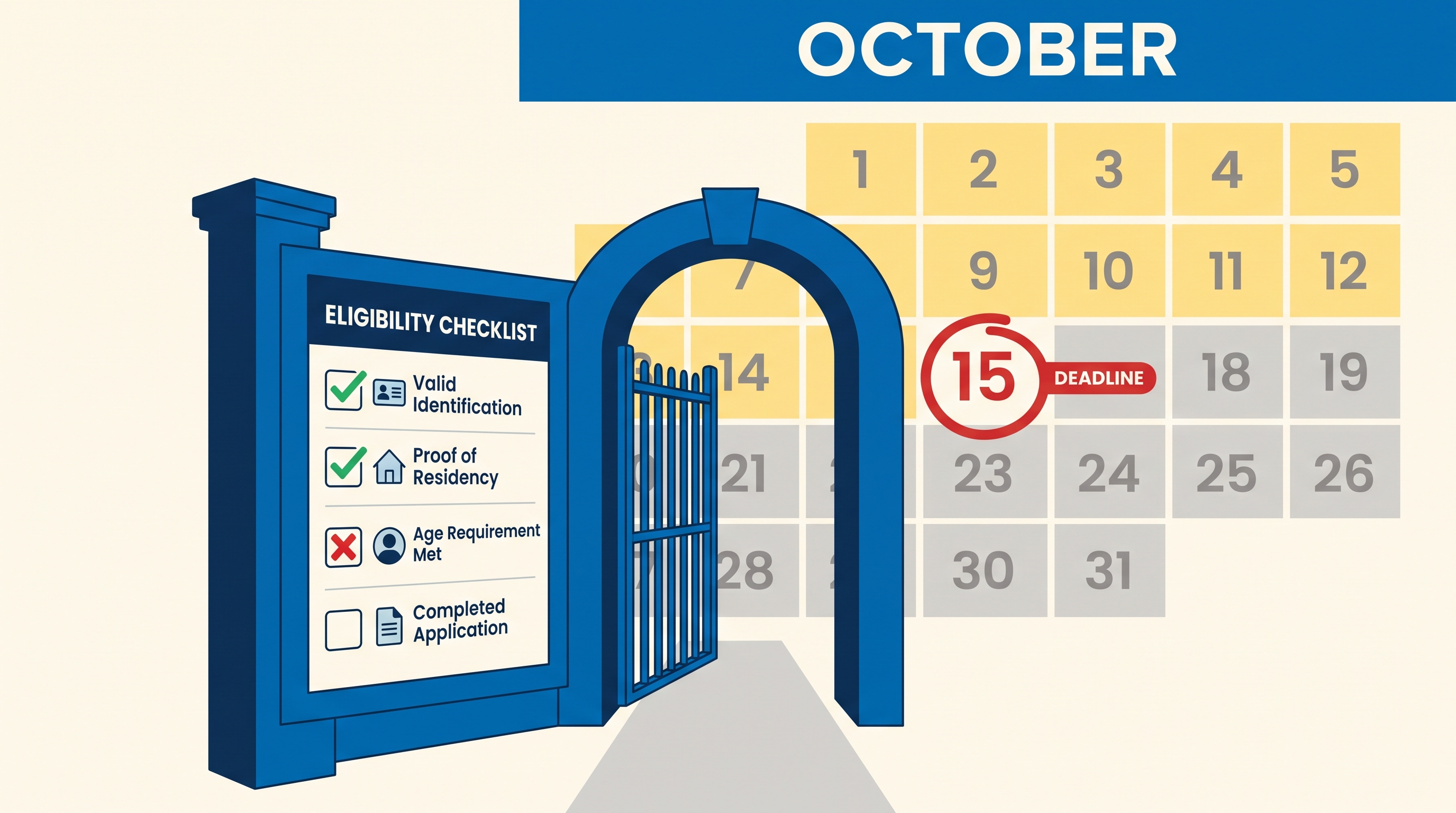
If the standard offer is closed to you, two legitimate long routes exist, per ConnectSafely’s guide: eligible US veterans, active-duty service members, and military spouses receive a full year of Premium Career free through the LinkedIn for Veterans program, and many employers provide 12 months of Premium as a paid benefit. The same guide warns that third-party “12 months free” coupon sites typically violate LinkedIn’s terms and can get your account restricted.
How do you avoid being charged when the trial ends?
Cancel before the month is up. LinkedIn’s help center says you must cancel at least one day before the next scheduled billing date, and the trial’s billing date is the day your free month ends. Set a reminder for day 25 and the decision never sneaks up on you.
LinkedIn helps a little: for subscriptions purchased via the desktop site, it sends an email reminder to your primary email address before the free trial ends, per its trial terms. Do not rely on it alone; the email lands in whatever pile your primary inbox has become.
Know the immediate-loss rule before cancelling early. If you end your free trial before the month is over, you immediately lose access to Premium features, per LinkedIn’s trial terms. There is no running out the clock like a paid plan; the paid-plan behavior and the exact steps per device are in our guide to cancelling LinkedIn Premium.
So the optimal play is boring: use the full month, cancel on day 29 or 30, keep access until the final day, and pay nothing.
What does the free trial not fix? Your inbox
The trial upgrades what you can send, not what you receive. A free month of Premium buys InMail credits, profile insights, and Learning access, and changes nothing about the cold pitches arriving in your DMs. LinkedIn has no spam filter on any tier, so trial users inherit the same noisy inbox they had before, with one twist: a Premium badge makes you a more visible target for outreach lists.
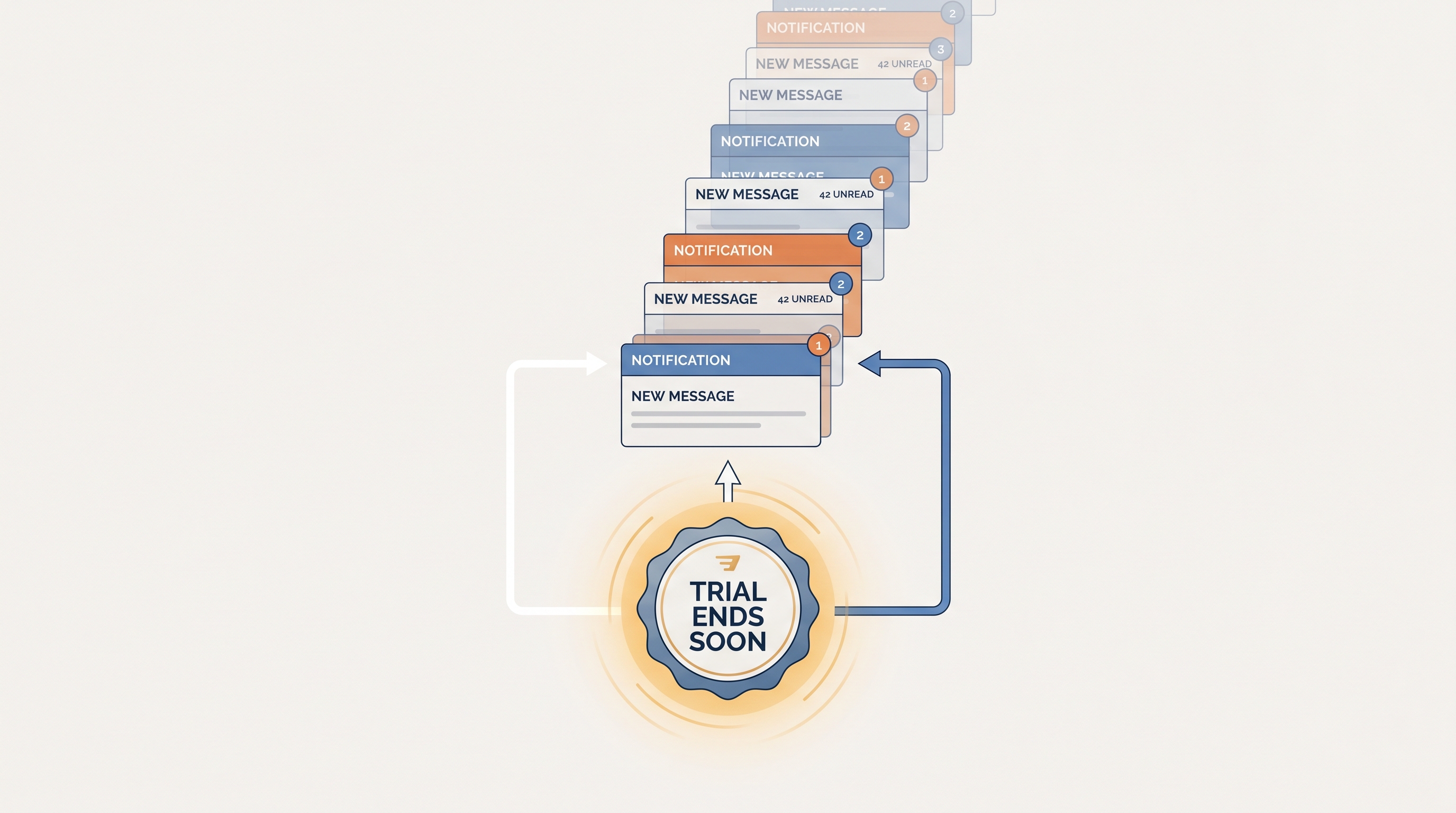
That noise is why many people consider Premium in the first place, and it is the one problem the subscription was never designed to solve. We break down what LinkedIn’s native settings can and cannot block in our guide to stopping LinkedIn spam.
The receiving side is what Linbox handles. It filters cold pitches and recruiter blasts out of your primary view automatically, moves them aside without deleting anything, and pulls a sender back the moment you reply. Trial Premium for the sending tools if you want; the clean inbox comes from the other direction.
Frequently asked questions
How long is the LinkedIn Premium free trial?
One month. LinkedIn’s help center describes Premium subscriptions as available “to try free for one month” for eligible users, and Skylead’s walkthrough confirms the trial lasts 1 month before auto-converting to a paid plan.
Can I get the free trial without a credit card?
No. LinkedIn’s trial terms state you are required to input a credit card number to get the free trial. The card is charged automatically when the month ends unless you cancel first.
Can I get a second free trial?
Not within a year. Cancelling a free Premium trial makes you ineligible for another free trial for at least 12 months, per LinkedIn’s trial terms, and ConnectSafely notes that using one trial product generally consumes eligibility for the others.
Is there a way to get LinkedIn Premium free for 6 or 12 months?
Two legitimate routes, per ConnectSafely’s guide: the LinkedIn for Veterans program gives eligible US veterans, service members, and military spouses a year of Premium Career, and some employers provide 12 months as a benefit. Coupon sites promising the same typically violate LinkedIn’s terms.
Do I lose Premium immediately if I cancel the trial early?
Yes. LinkedIn’s trial terms say ending the trial early means you immediately lose access to Premium features, unlike a paid plan, which runs to the end of the billing cycle after cancellation.
Frequently asked questions
- How long is the LinkedIn Premium free trial?
- One month. LinkedIn's help center describes Premium subscriptions as available "to try free for one month" for eligible users, and Skylead's walkthrough confirms the trial lasts 1 month before auto-converting to a paid plan.
- Can I get the free trial without a credit card?
- No. LinkedIn's trial terms state you are required to input a credit card number to get the free trial. The card is charged automatically when the month ends unless you cancel first.
- Can I get a second free trial?
- Not within a year. Cancelling a free Premium trial makes you ineligible for another free trial for at least 12 months, per LinkedIn's trial terms, and ConnectSafely notes that using one trial product generally consumes eligibility for the others.
- Is there a way to get LinkedIn Premium free for 6 or 12 months?
- Two legitimate routes, per ConnectSafely's guide: the LinkedIn for Veterans program gives eligible US veterans, service members, and military spouses a year of Premium Career, and some employers provide 12 months as a benefit. Coupon sites promising the same typically violate LinkedIn's terms.
- Do I lose Premium immediately if I cancel the trial early?
- Yes. LinkedIn's trial terms say ending the trial early means you immediately lose access to Premium features, unlike a paid plan, which runs to the end of the billing cycle after cancellation.